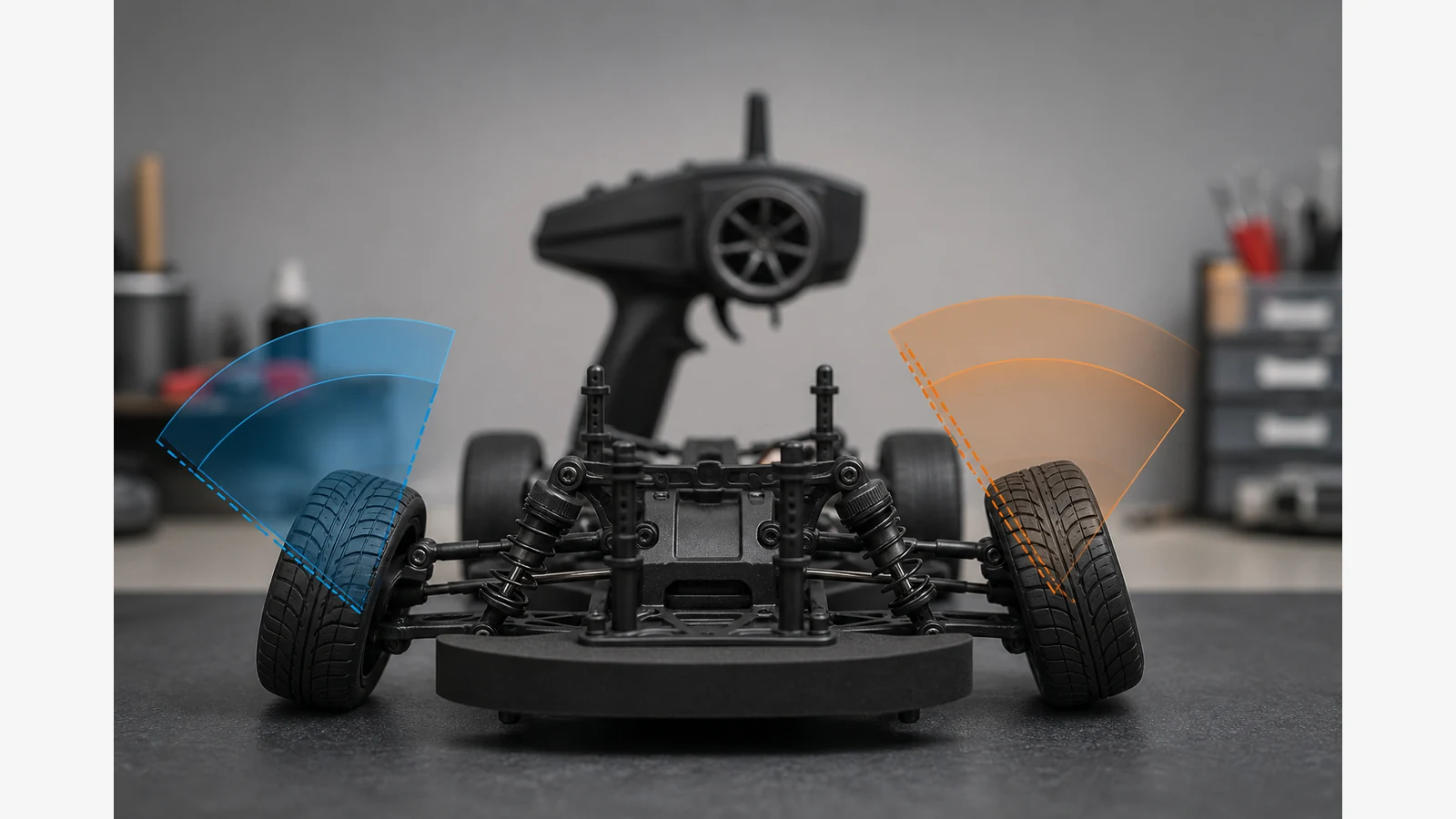
RC Car Steers Farther Left Than Right: Check Centre, Linkages and Endpoints in Order
Unequal left and right steering travel is a setup symptom, not proof that the servo needs more torque. Start with straight-ahead wheel position, even turnbuckles and free movement with power off; re-centre trim and the servo before judging horn geometry; then set left and right endpoints separately only where your transmitter supports it—always stopping before mechanical bind.
This UK problem-solution guide uses general principles from public setup sheets. Exact EPA menus and geometry limits belong to your radio and vehicle manuals.
Power-off geometry before electronic travel
- Set the vehicle on a stand and confirm the front wheels can sit straight without forcing the rack.
- Equalise turnbuckles and link lengths so neither side is obviously longer at rest.
- Feel for binding, grit in bearings, bent posts or a worn saver that lets one side collapse.
- Check that crash damage has not shifted a C-hub, knuckle or servo mount.
If alignment cannot be achieved, re-centre the servo and make left and right travel comparable rather than adding throw on the short side only.
Re-centre trim and servo before evaluating the horn
- Select the correct model memory and return steering trim to neutral.
- Power in the manual order so the servo reaches electronic centre.
- If a large trim correction is required for a straight push, disconnect the horn, centre trim, power to neutral, refit the horn close to centre, then allow only small trim afterwards.
- Confirm the horn index and link length produce a straight axle at that neutral before touching endpoints.
Direction reverse, trim and endpoint adjustment are separate tools. Using endpoints to hide a horn that starts off-centre usually recreates unequal travel.
Set endpoints without driving into the mechanical stop
Where the transmitter supports separate left and right limits, reduce the long side and carefully match the short side only after geometry is even. Never command more servo travel than the steering components allow; excess travel can permanently damage the servo.
Look again for crash damage, binding and servo-saver wear before adding travel. Buzz or flutter at full lock is a prompt to stop and correct bind, not to raise torque.
Safe final test, stop conditions and next step
With the car still raised, sweep left and right and confirm comparable wheel angles without grinding. Stop power immediately for abnormal heat, smell, smoke, damaged wiring, grinding or a stalled output. Do not open electronics or improvise power wiring.
If you later compare a standard-size brushless steering servo after geometry is sorted, use the BrushServo BLS-HV70MG product page as a soft product browse—not as evidence that unequal travel means you lacked torque. Only a 12-month warranty duration is stated for that offer here.
FAQ
Does unequal travel prove the servo is weak?
No. It usually points to centre, linkage length, horn index, saver wear or endpoints. Diagnose those before changing torque assumptions.
Why did unequal steering appear after a servo change?
A new install often inherits an off-centre horn, leftover trim or endpoints copied from the old unit. Re-centre and rebuild geometry in order.
Can I just increase one endpoint?
Only within free mechanical travel and only after centre is true. Pushing into a stop risks permanent servo damage.
What if left and right still disagree after careful setup?
Re-inspect crash damage and wear. If grinding or heat appears, stop and use manufacturer or seller support rather than forcing more travel.